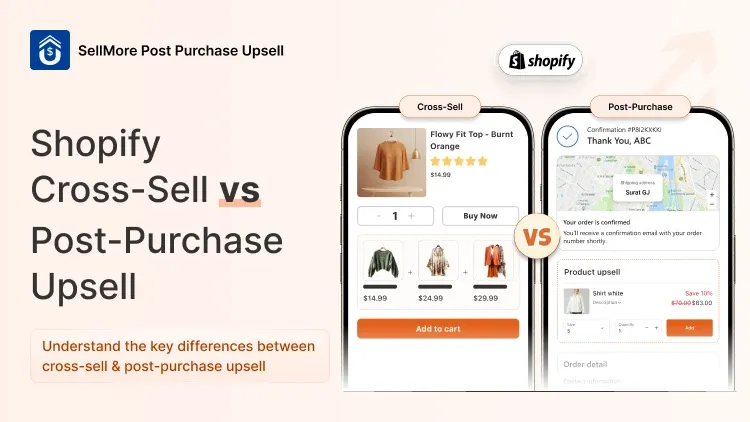



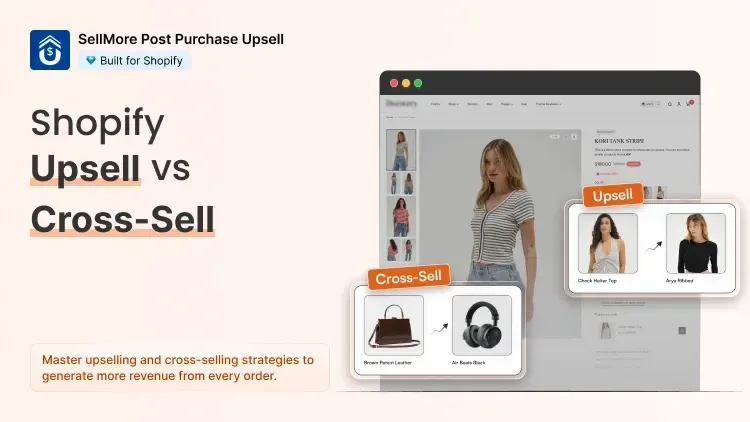
This blog will explain the main differences of upsell vs cross sell, real examples & when to use both.
The Quick Difference (With a Real Example)
Let's say a customer is about to buy a $30 wireless mouse from your electronics store.
Upsell = You show them a $55 wireless mouse with better battery life and ergonomic design. Same product, better version.
Cross-sell = You show them a $15 mouse pad or a $20 USB hub to go along with the mouse. Different product, complements their purchase.
That's it. Upsell on Shopify means nudging customers toward a higher-value version of what they already want. Cross-sell means adding something that makes their purchase more complete.
Both strategies increase AOV. But the timing and placement are where most merchants get it wrong.
When Upsell on Shopify Makes More Sense
Upselling works best when:
- Your product has multiple tiers or plans (think subscriptions, storage options, sizes)
- The upgrade is easy to justify at the price difference
- You can show clear value — not just a higher price
Example Workflow — Apparel Store
A customer adds a basic cotton t-shirt for ₹499 to their cart. You show them a premium version, same design, but organic fabric, for ₹699. The ₹200 gap is easy to justify. Conversion rates on this upsell? Typically 15–25%.
This is where a tool like SellMore makes things incredibly simple. Instead of coding popups or customizing your theme, you can set up upsell offers directly in the checkout or post-purchase pages and target them based on what's already in the cart.
When Cross-Selling Makes More Sense
Cross-sell is your best friend when:
- You have a wide catalog with complementary products
- Your AOV is low but your product margin is healthy
- You want to increase basket size without pushing customers toward more expensive items
Example Workflow — Skincare Store
Customer adds a face wash to cart. You recommend a toner that "works best with this cleanser." Add to cart, one click — AOV goes up by ₹350.
Upsell vs Cross Sell: A Side-by-Side Comparison
| Upsell | Cross-Sell | |
|---|---|---|
| Goal | Higher-value purchase | Larger basket size |
| Best Placement | Product page, checkout | Cart page, post-purchase |
| Works Best When | You have product tiers | You have complementary products |
| Example | Standard → Premium plan | Phone case + Screen protector |
| Risk | Can feel pushy if priced too high | Can feel random if not relevant |
| AOV Impact | High per unit | Cumulative across products |
What Merchants Get Wrong About Upsell vs Cross Sell
1. Showing too many offers at once
One focused offer converts better than three competing for attention. Start with one upsell or one cross-sell per placement.
2. Not testing which placement works for your niche
A fashion store may see better results from post-purchase cross-sells.
3. Ignoring mobile shoppers
Over 70% of Shopify traffic is mobile. Your upsell and cross-sell widgets need to look clean on a small screen.
4. Offering irrelevant products
If someone buys a yoga mat, don't cross-sell a blender. Keep it contextual.
Ready to Put This Into Practice?
You now know the difference, you have the scenarios, and you have a clear workflow. The only thing left is execution.
Install SellMore from the Shopify App Store.
Set up your first upsell or cross-sell offer today. You don't need a developer, you don't need to edit your theme, and you don't need to guess — SellMore's analytics will show you exactly what's working within your first week.
Your next order could be worth more. It starts with the offer you set up today.